 Moonshot Labs
Save the recipe behind the link
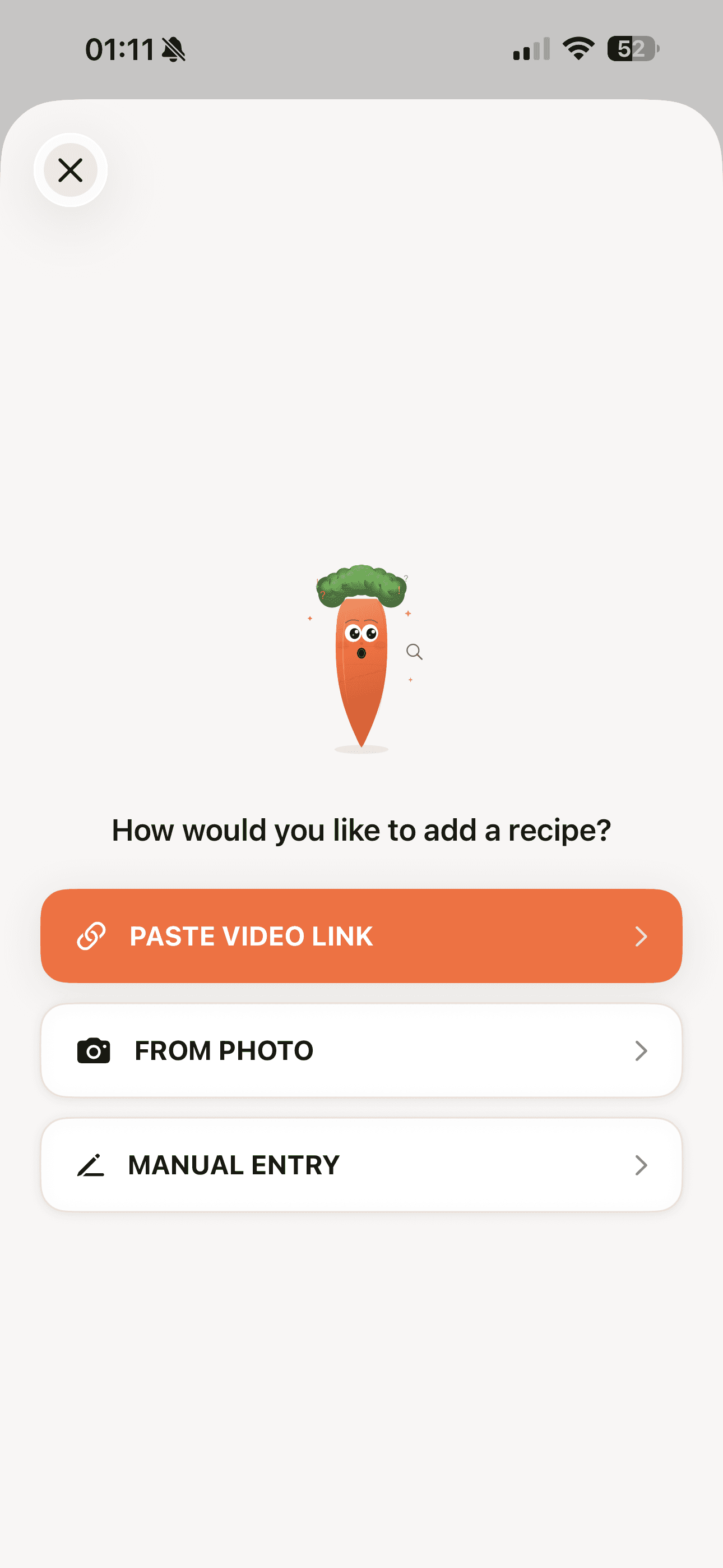
Import supported links from Instagram, TikTok, YouTube, Pinterest, and public recipe websites. Source availability can affect the result.
A Moonshot Labs app

Available now
From saved links to your next meal
Bring your food finds together. ClipCook uses AI to extract recipes from supported social links, recipe websites, and photos, so you can review the ingredients, save your favorites, and follow the steps in the kitchen.
Free to download. In-app purchases available.
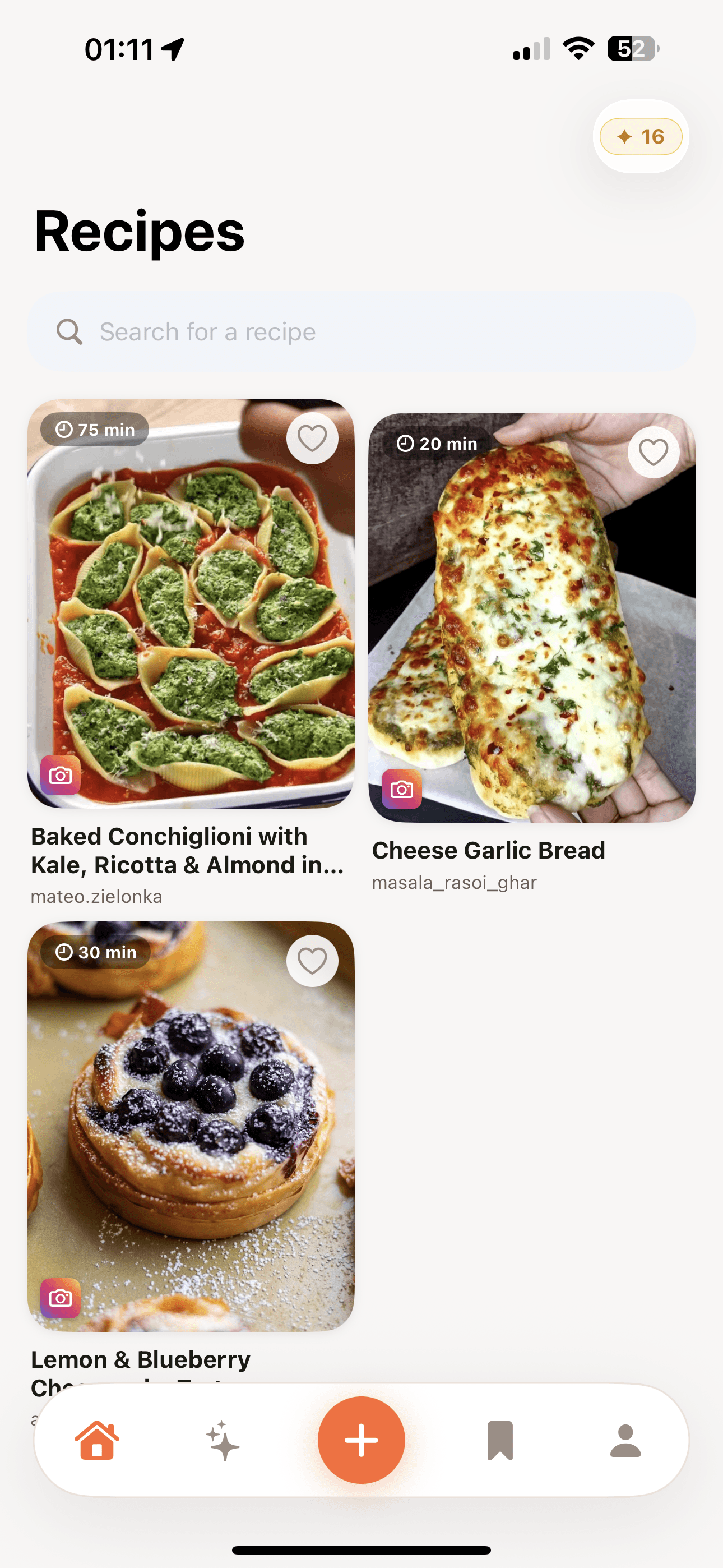
From scroll to supper
Start with the recipe you found where you found it.
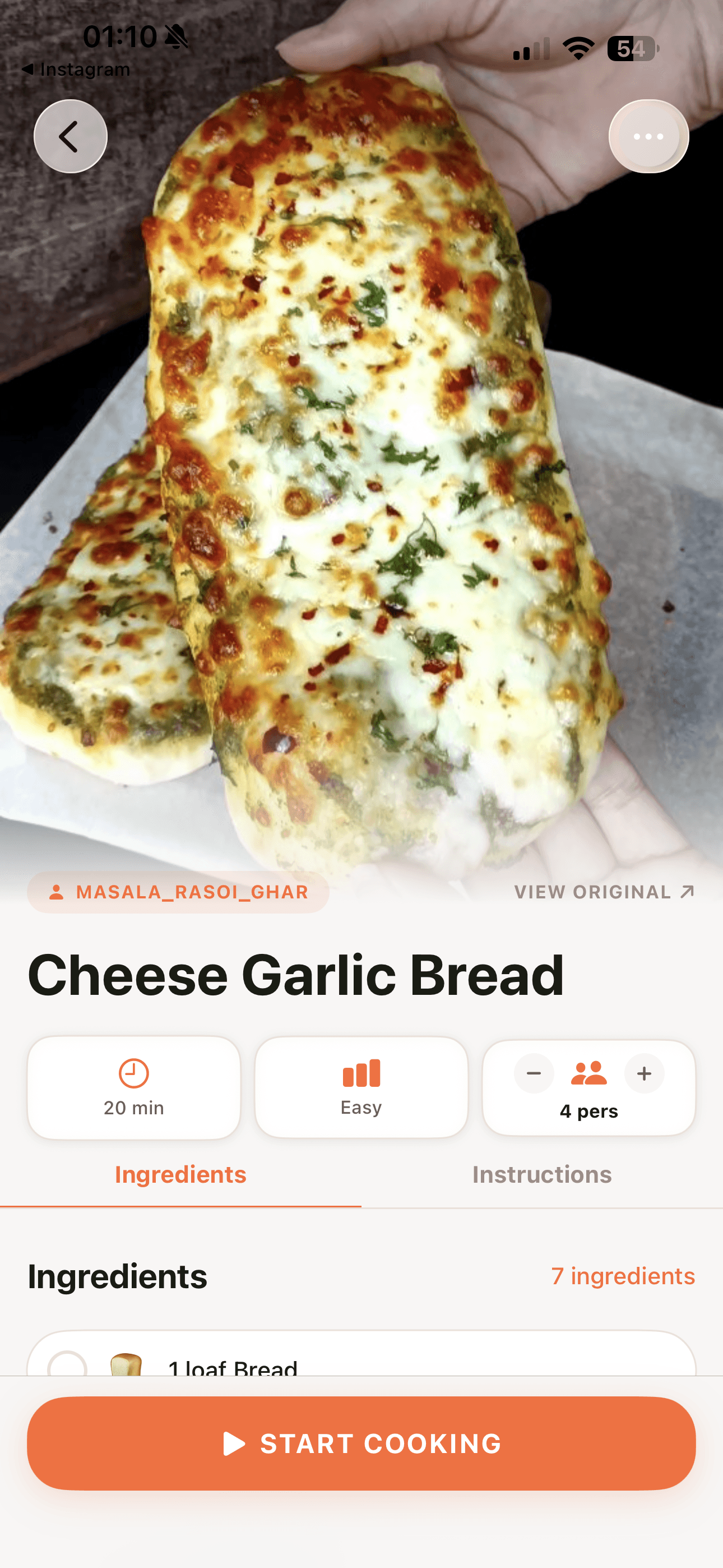
Turn a busy post into a recipe you can actually read while cooking.
Keep the dishes worth making again close to hand.
From idea to dinner
Import supported links from Instagram, TikTok, YouTube, Pinterest, and public recipe websites. Source availability can affect the result.
Add a recipe from a photo, or enter your own by hand. Keep ingredients and instructions together in a readable recipe.
Keep recipes in collections, find your favorites with search, and plan the meals you want to make next.
Follow the instructions in cooking mode, use the built-in timer, and keep the screen awake while you cook.
Add recipe ingredients to your shopping list so you can keep track of what you need before you start cooking.
Export a recipe as a PDF to share with a friend or print for your kitchen.
A closer look
See ClipCook in action.
Your next recipe, kept close
ClipCook is free to download for iPhone and iPad. Use manual recipe entry for free, with AI features available through in-app purchases.
Download on the App Store