 Moonshot Labs
Optional iCloud sync
Your history stays on your devices, with optional sync through your private iCloud database. Secure sync has its own control.
PrivaPaste · iPhone, iPad & Mac
A personal memory for the things you copy. Find a saved link, pin an essential note, and keep sensitive clips in a protected space across your iPhone, iPad, and Mac.
Available for iPhone, iPad, and Mac
A little less friction
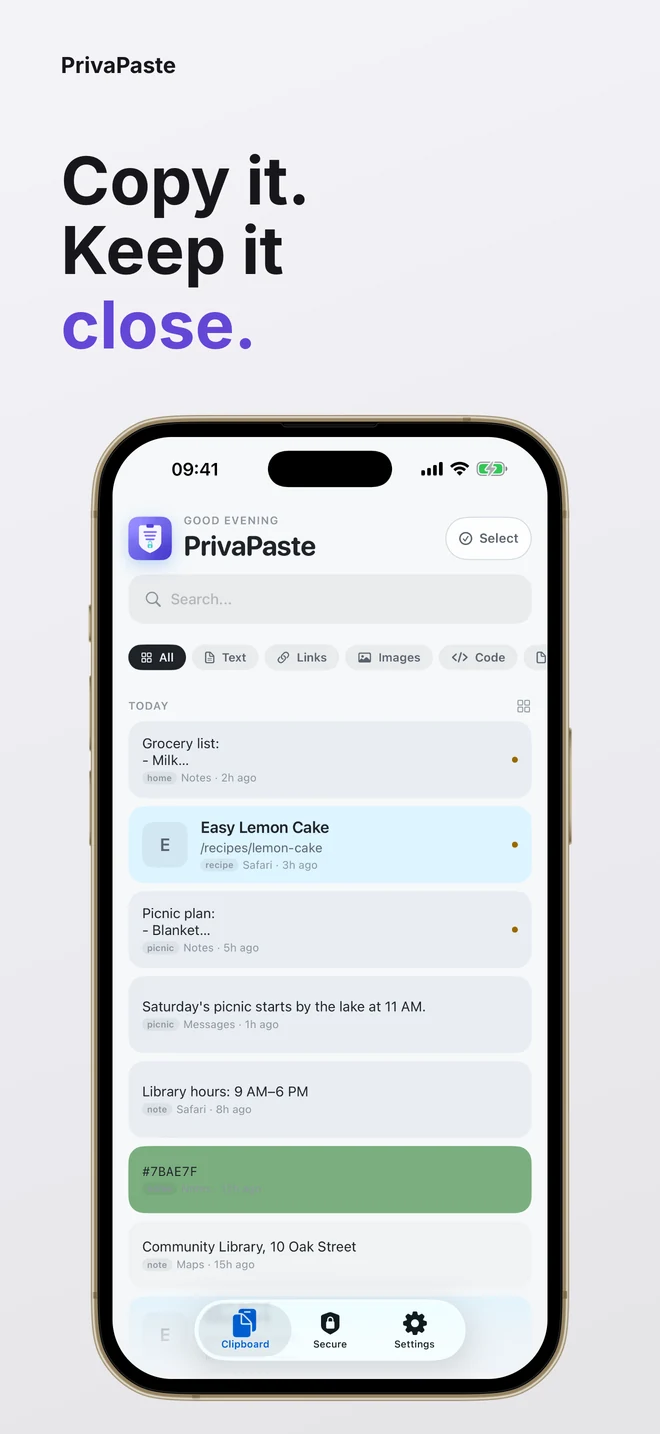
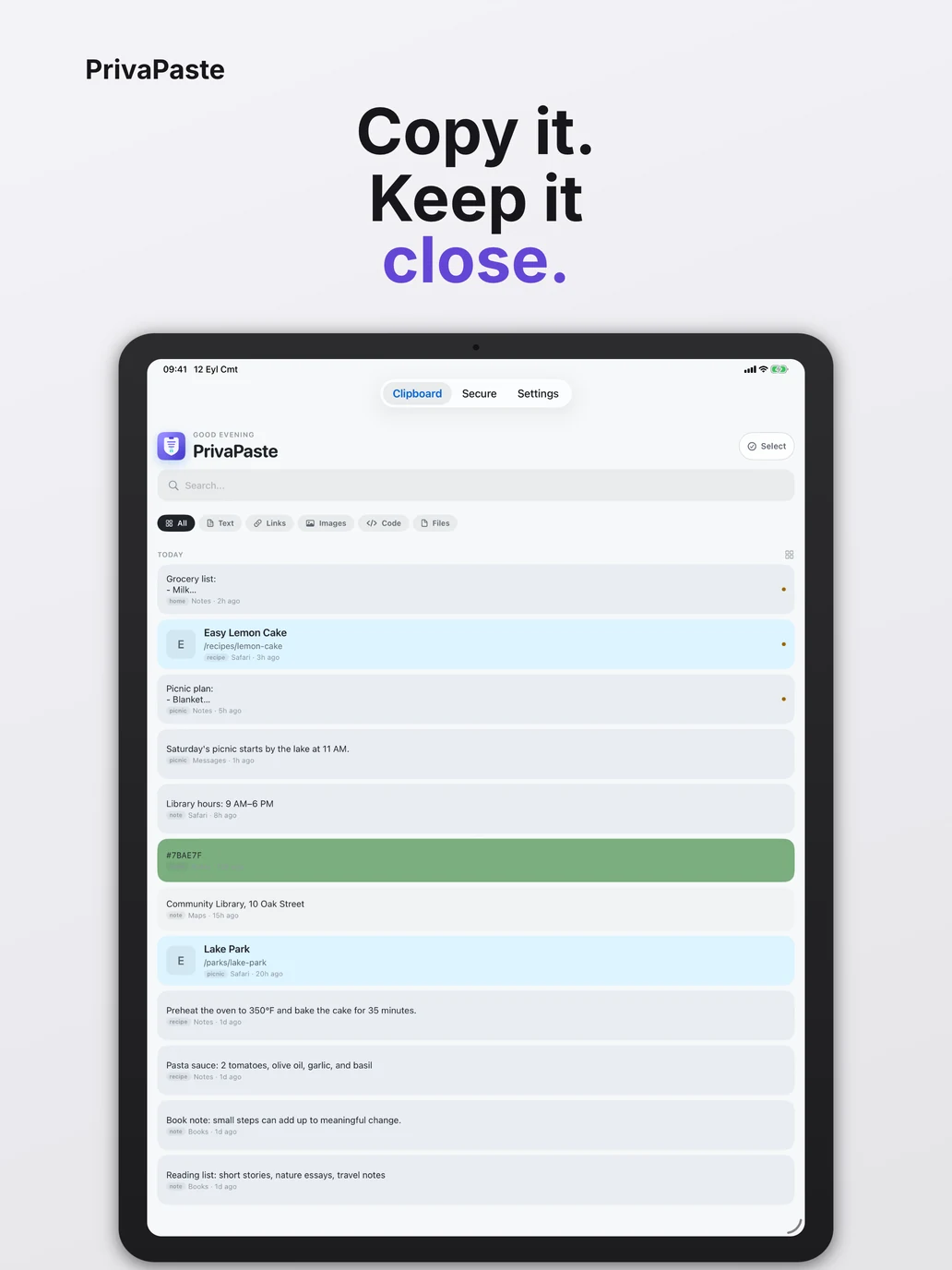
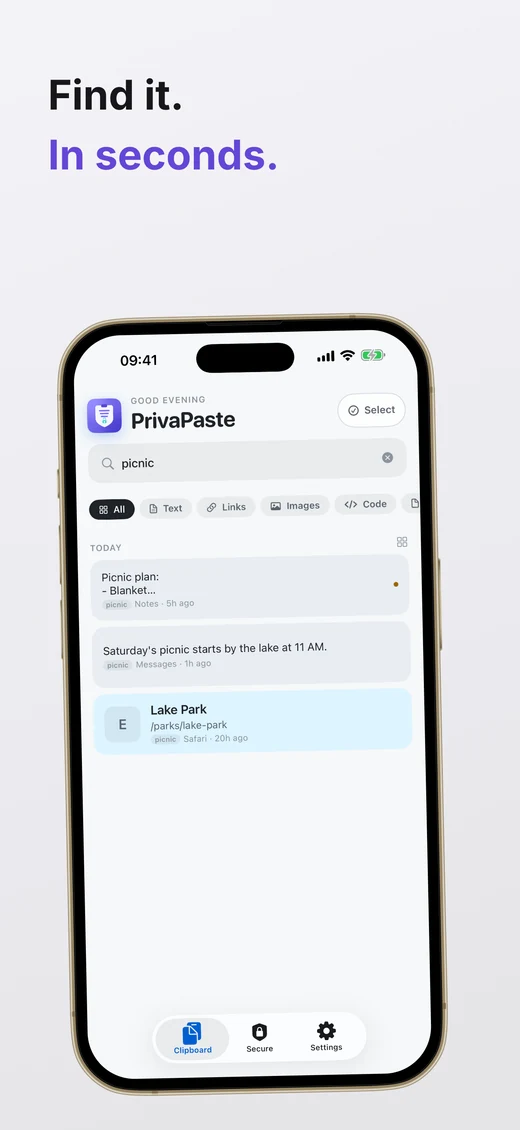
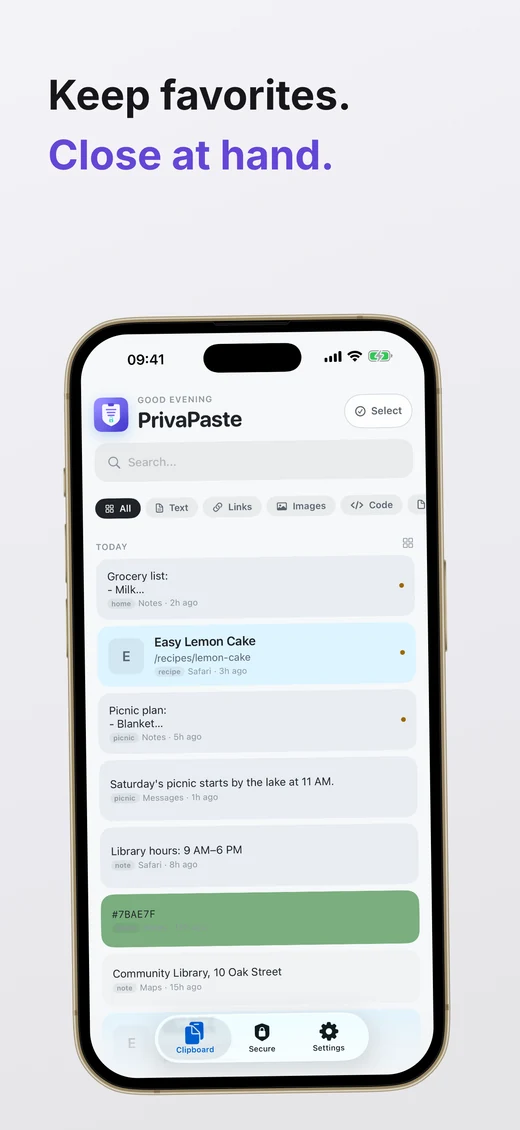
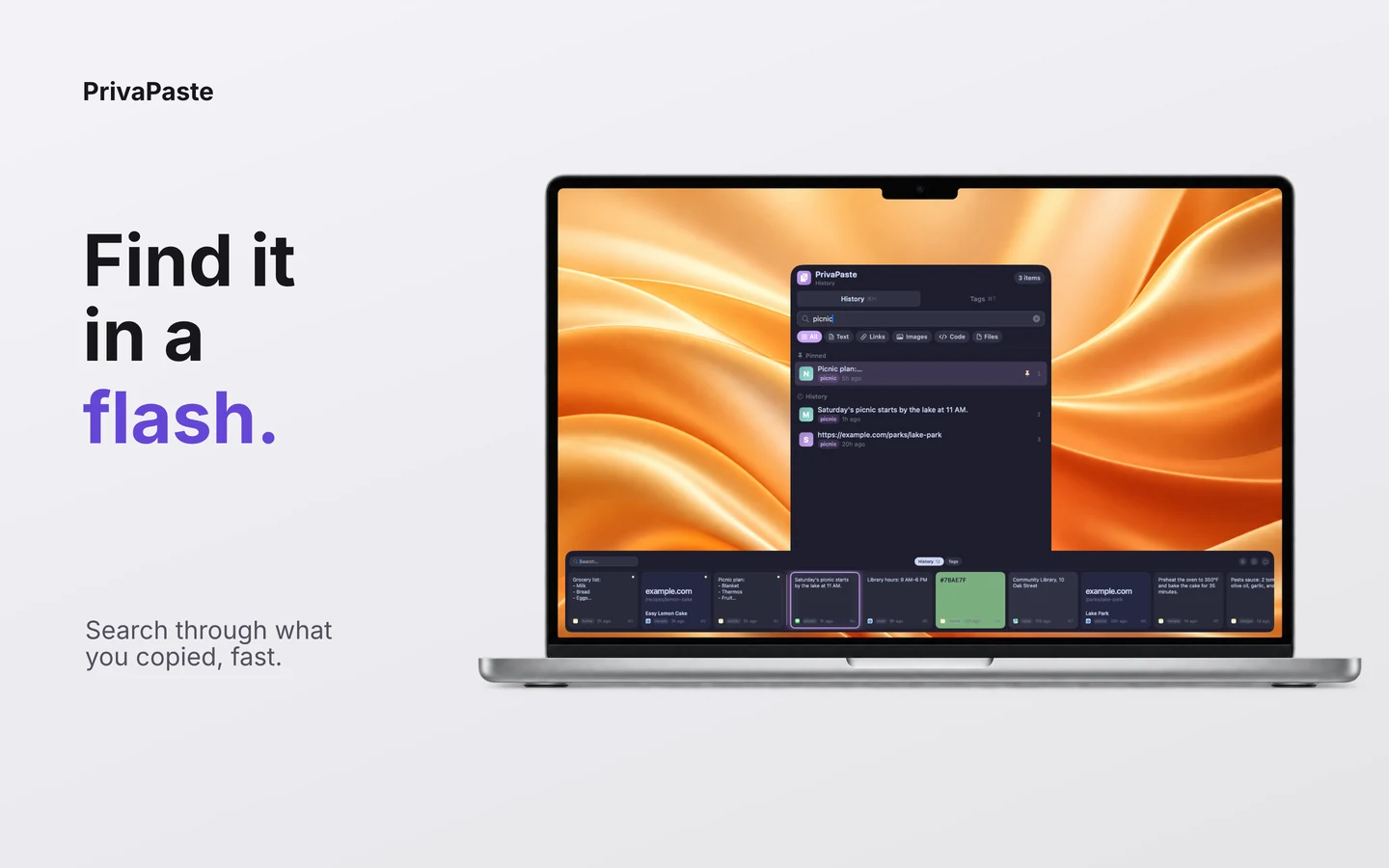
Save text, links, code, and images in a history that stays useful. Search for a remembered detail, pin the essentials, and group the rest with tags.
iPhone & iPad · iOS 17+
PrivaPaste captures the clipboard while the app is in the foreground. Your history can hold 100, 300, or 500 clips, so a great link or a small line of text is never far away.
Made for the things you keep
Mac · macOS 14+
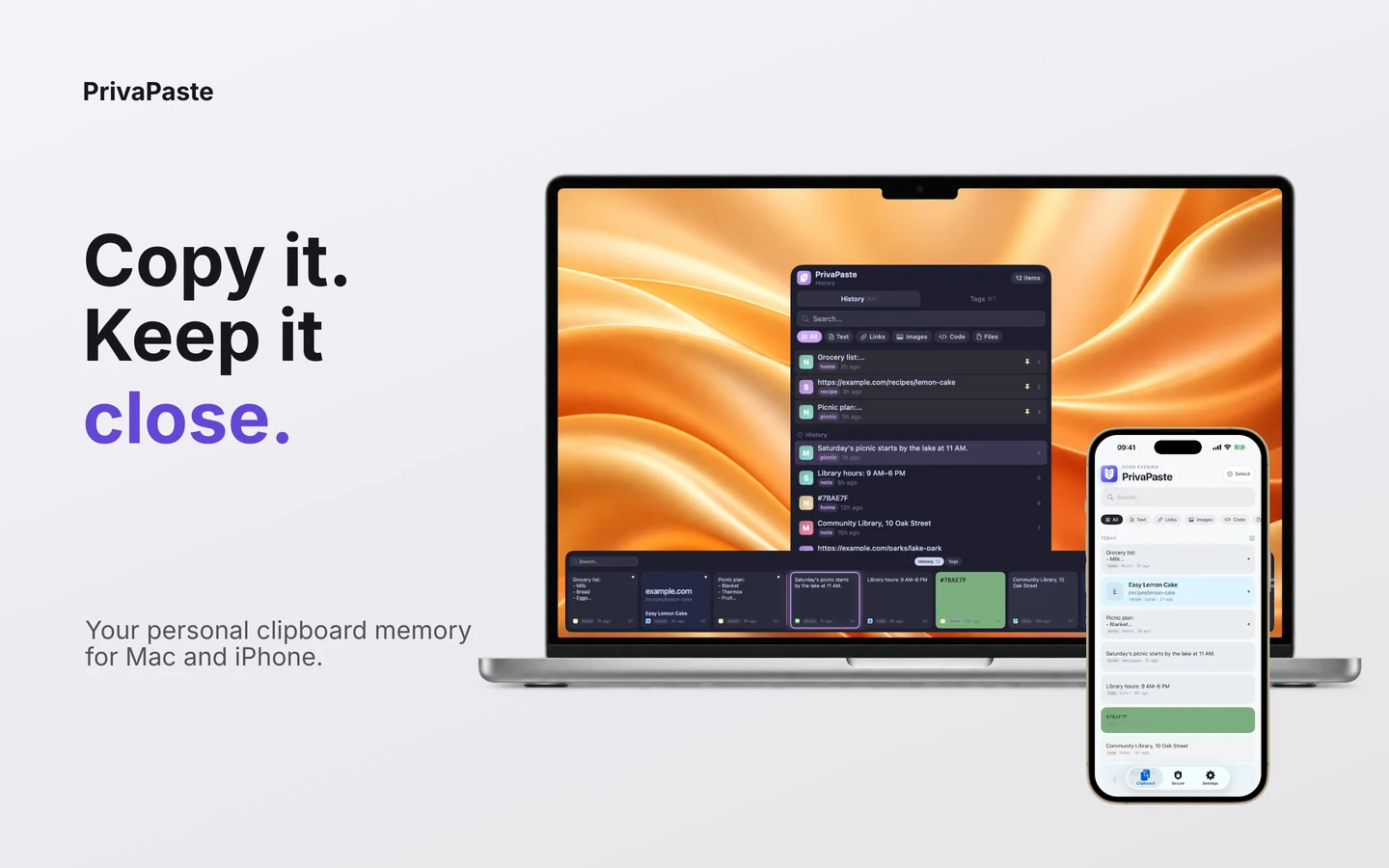
While PrivaPaste is running on your Mac, it keeps your recent copies, including file references, in one calm, searchable place. Open it with a customizable shortcut — ⌘⇧V by default — and carry on.
Made with boundaries
Your history stays on your devices, with optional sync through your private iCloud database. Secure sync has its own control.
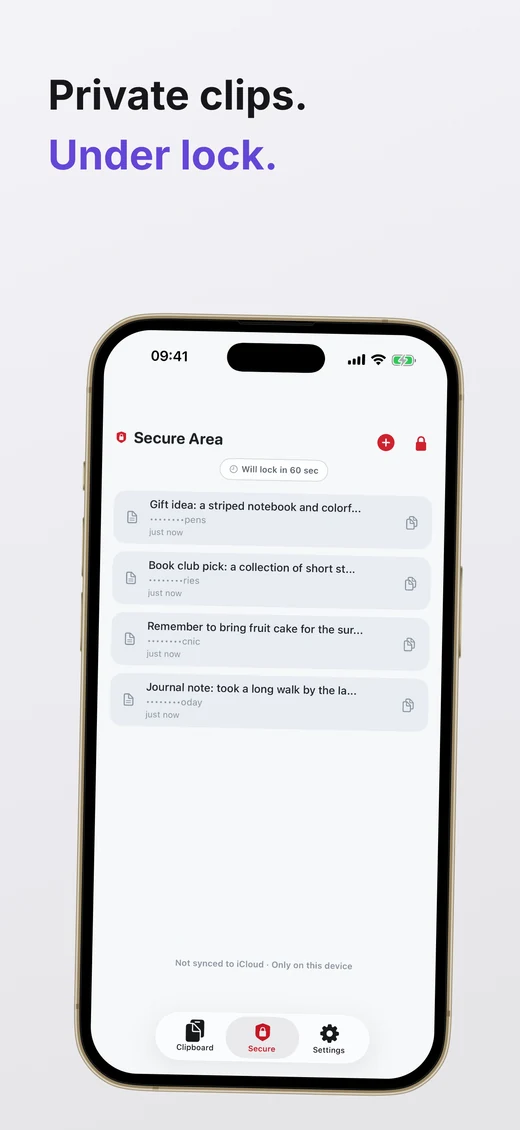
Keep selected items behind Face ID, Touch ID, or device authentication, separate from everyday history.
Premium follows the same iCloud account on iPhone, iPad, and Mac. There is no separate PrivaPaste login.
Simple by design
Try the app for 7 days, with no payment required. Then choose Monthly or Lifetime.
Monthly
$1.49/ month
Flexible Premium access across your Apple devices.
View on the App StoreLifetime
$19.99 one-time
One purchase for lasting Premium access across your Apple devices.
View on the App StoreUSD reference prices for the US App Store; local prices may vary. Monthly auto-renews until cancelled through the App Store. After the trial, your history remains viewable and deletable; Premium actions require a purchase.
Questions, answered
PrivaPaste is available for iPhone, iPad, and Mac from the App Store with one universal purchase.
No. PrivaPaste has no separate login. Premium can be shared across devices using the same iCloud account.
Regular clipboard history can sync when you enable it. Secure items only sync if you separately enable Secure sync.
Only optional automatic paste needs it. The permission lets PrivaPaste send a Command-V keystroke to the app you are pasting into.
Ready when you are
Download PrivaPaste once and use it across your iPhone, iPad, and Mac.
Download on the App Store
PrivaPaste by Moonshot Labs